On this page
Quick answer
Jotform for operational depth; Typeform for guided experience
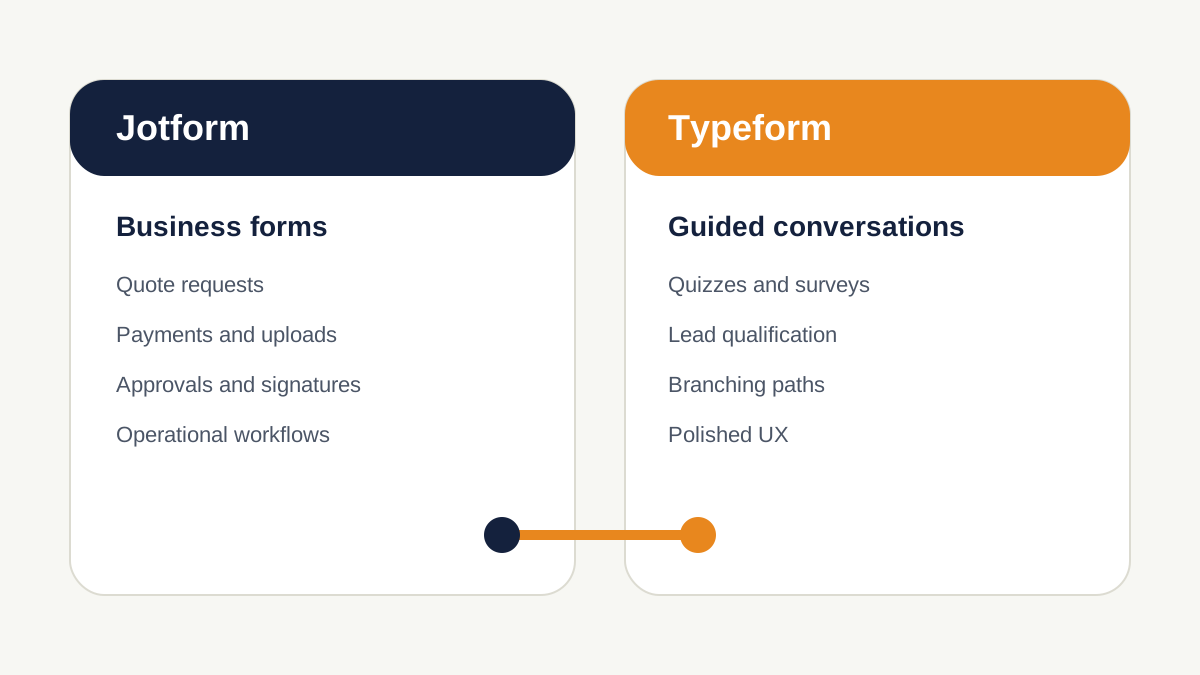
If a form is effectively part of your operations—collecting project details, attachments, signatures, payments, approvals or quote information—Jotform is usually the better fit. If the form is part of your marketing experience and you want each respondent to move through a guided qualification path, Typeform is usually the better fit. The pricing difference matters too: at the standard published tiers checked on October 21, 2026, Jotform gives materially more monthly submissions at its entry and mid-tier paid plans, while Typeform charges around a simpler account-wide response model and puts more emphasis on brand experience, seats and marketing analysis.
Decision matrix
Which is better for each small-business job?
Choose Jotform when the form must run a process
Think quote requests, onboarding packets, applications, file-heavy intake, payment collection, signatures, approvals and forms that feed an operational workflow after submission.
Choose Typeform when the form itself is part of the experience
Think guided qualification, consultation funnels, branded surveys, quizzes, product discovery or other flows where asking one relevant question at a time is central to the experience.
| Need | Jotform | Typeform | Better fit |
|---|---|---|---|
| Quote request with project details | Strong structured forms, conditional fields and workflow tools. | Can qualify and branch, but less operations-first. | Jotform |
| Guided lead qualification | Can build conversational/card-style forms. | Core strength: guided paths, branching, scoring and endings. | Typeform |
| Client intake with files | Well suited to file-heavy and operational intake. | File Upload is available on Basic and higher; 10MB maximum per uploaded file. | Jotform for heavier operations |
| Signatures and approvals | Jotform Sign and Workflows support signatures and approval steps. | Not the product's primary workflow strength. | Jotform |
| Simple payment inside a form | Payment integrations plus payment-submission limits to monitor. | Payment question supports Stripe or PayPal on eligible paid plans. | Depends |
| Survey / quiz experience | Capable, with many form styles and templates. | Stronger guided survey/quiz experience and outcome/scoring tools. | Typeform |
| 1,000 submissions/responses per month | Bronze: 1,000 monthly submissions. | Plus: 1,000 responses per month. | Compare price + needed features |
| 10,000 submissions/responses per month | Gold: 10,000 monthly submissions. | Business: 10,000 responses per month. | Similar volume ceiling; different limits/features |
| CRM handoff to HubSpot | Can create/update CRM records and deals from submissions. | Native HubSpot integration can create/update contacts and map to companies/deals. | Depends on workflow |
Methodology
How we compared Jotform and Typeform
- PricingOfficial Jotform and Typeform pricing pages checked October 21, 2026.
- LimitsOfficial documentation for response/submission limits, storage, form views, payment submissions and branding.
- Workflow depthOfficial logic, workflow, signature, upload, payment and CRM-integration documentation.
- Buyer lensSmall service businesses capturing, qualifying and routing website leads—not a generic feature-count contest.
- What we did not claimWe did not run a controlled A/B test and do not claim one platform universally converts better.
That last point matters. Many comparisons reduce these products to “pretty versus powerful.” That is directionally useful, but the buying decision becomes clearer when you look at what happens after a visitor opens the form: how much information must be collected, what limits apply, whether files or signatures are required, what happens after submission, and whether the form is a marketing interaction or an operational intake process.
Pricing reality
Jotform vs Typeform pricing: compare the limits, not just the monthly price
The published standard plans checked October 21, 2026
Typeform: Basic is $39/month with 100 responses, Plus is $79/month with 1,000 responses, and Business is $129/month with 10,000 responses when billed monthly. The page also shows lower monthly equivalents for annual billing ($28, $56 and $91 respectively at the time checked).
Jotform: Starter is free, Bronze is $39/month, Silver is $49/month and Gold is $129/month on monthly billing. Jotform shows annual equivalents of $34, $39 and $99 per month for Bronze, Silver and Gold. The published submission limits are 100 monthly submissions on Starter, 1,000 on Bronze, 2,500 on Silver and 10,000 on Gold.
| Plan level | Jotform | Typeform |
|---|---|---|
| Free / trial-grade usage | Starter: 5 active forms, 100 monthly submissions; Jotform branding remains. | Free plan exists; standard paid comparison begins with Basic. Check current free response allowance on Typeform before relying on it for production. |
| Entry paid | Bronze: $39 monthly / $34 monthly equivalent annually; 1,000 monthly submissions. | Basic: $39 monthly / $28 monthly equivalent annually; 100 responses; 1 user. |
| Mid tier | Silver: $49 monthly / $39 annual equivalent; 2,500 monthly submissions. | Plus: $79 monthly / $56 annual equivalent; 1,000 responses; 3 users; removes Typeform branding. |
| Higher standard tier | Gold: $129 monthly / $99 annual equivalent; 10,000 monthly submissions; HIPAA features available. | Business: $129 monthly / $91 annual equivalent; 10,000 responses; 5 users; drop-off rates and conversion tracking. |
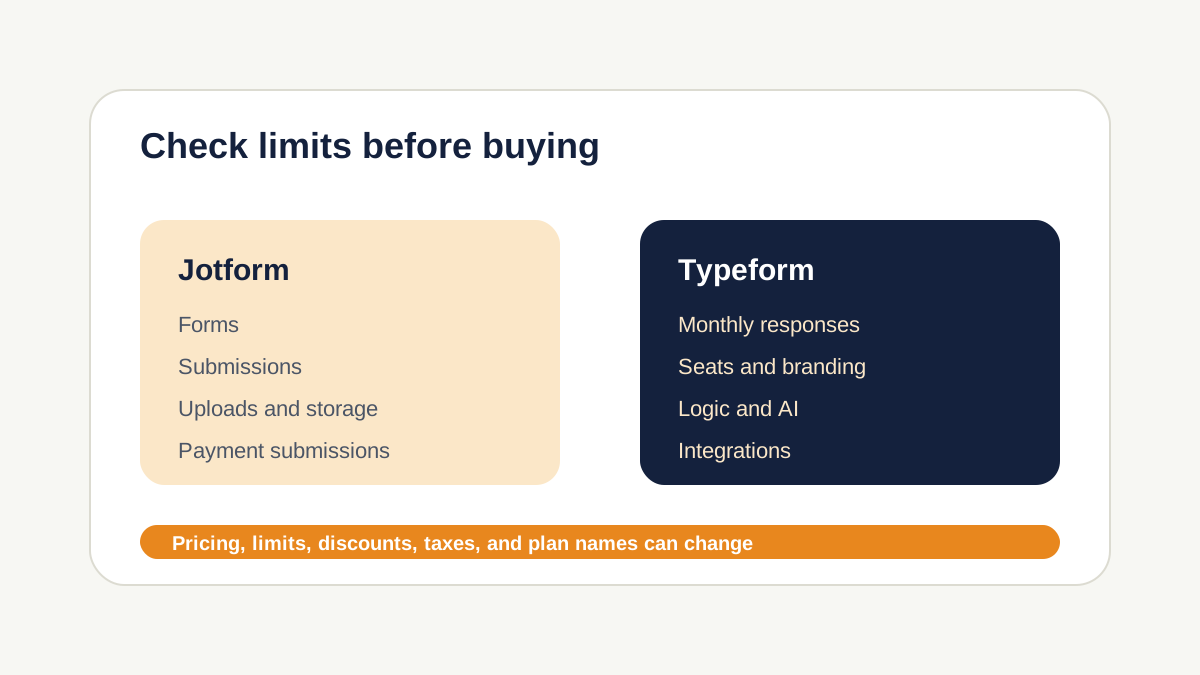
Important Typeform detail: response limits apply across all forms in the account. A Plus account with several forms gets 1,000 total responses across those forms, not 1,000 responses per form. Typeform says it warns customers at 90% and 100%; at 100%, forms go into Private mode until the next month begins or the account is upgraded. Additional-response options and auto-upgrade are also available.
Important Jotform detail: submission volume is only one counter. Jotform also tracks active forms, form views, upload space, stored submissions, payment submissions, signed documents and other plan-specific usage. This makes Jotform flexible, but buyers with file-heavy, payment-heavy or high-traffic forms should check the counters that apply to their workflow rather than looking only at monthly submissions.
What this means at 1,000 leads per month
If your only requirement is to accept roughly 1,000 straightforward submissions per month, Jotform Bronze and Typeform Plus reach the same published volume threshold but at very different monthly prices. That does not automatically make Jotform the right product: if the form experience is strategically important and Typeform's guided UX is the reason you are considering it, the higher price may be justified. But for a quote request or intake workflow, Jotform's volume economics are difficult to ignore.
Respondent experience
Typeform is the clearer choice when the form itself is part of the marketing
Typeform's product is organized around moving people through questions and paths rather than presenting a dense administrative form. Its current logic tools include branching, hidden questions and answer choices, calculations, scoring, outcome quizzes and lead-qualification modes. You can send a respondent to a particular question, question group or ending based on earlier answers.
That makes Typeform especially natural for a consultant qualifying prospects, an agency running a discovery questionnaire, a SaaS company asking product-fit questions, or a business using a quiz as a lead magnet. The form can reveal only the next relevant question and finish with different endings for different respondents.
Jotform can also create card-style/conversational forms, so the distinction is not “Jotform cannot do conversational.” The distinction is emphasis. Jotform's broader product surface is designed to support many kinds of data collection and the downstream process around that data. Typeform's guided experience remains a core reason to choose it.
Operational depth
Jotform is stronger when a submission starts a business process
A small service business often needs more than “name, email, message.” A useful quote request may ask for service type, location, budget, desired date, project details, photos or documents. A client intake may require signatures. A request may need approval before the next step. This is where Jotform's wider system makes more sense.
Jotform's current Workflows documentation includes approval steps, payment forms, emails, tasks, Approve & Sign, team approval, PDFs, Sign Document actions and conditional branches. The core form builder also supports conditional logic for showing or hiding fields, skipping pages, changing email recipients and triggering different post-submission behavior.
Example: a home-service quote request
Visitor selects the service → sees only relevant project questions → uploads photos → form routes the submission to the correct person → high-value jobs trigger a priority notification → the business follows up with a booking or estimate. Both platforms can participate in this flow, but Jotform is the more natural first choice when the form must carry a lot of operational detail.
See our best form builders for quote requests for the broader category comparison.
Logic
Both support conditional paths, but the best use is different
Typeform's branching is excellent for deciding what the respondent should see next. Its Workflow/Logic system can branch to questions or endings, hide irrelevant questions, calculate values, score leads and create outcome-based experiences. That aligns naturally with qualification.
Jotform conditional logic is useful both inside the form and around the workflow. It can show or hide fields, skip pages, perform calculations, change email recipients and alter post-submission behavior. In Jotform Workflows, logic can also determine which operational branch a submission follows.
For a short, high-visibility qualification funnel, we prefer Typeform's mental model. For a detailed intake process where answers change fields, notifications and downstream operations, Jotform is usually easier to justify.
Payments, files and signatures
Jotform has the stronger operational toolkit; Typeform covers common lighter workflows
Typeform's Payment question currently supports Stripe or PayPal on eligible paid plans. Its File Upload question is available on Basic and higher and supports uploads from desktop or mobile, with a stated 10MB maximum per file. These features are enough for many lead, registration and simple payment flows.
Jotform is the better choice when these elements become central to the process rather than incidental. Its plan structure explicitly tracks payment submissions and signed documents, and Jotform Sign / Workflows support signature and approval processes. That can matter for waivers, service agreements, applications and multi-step intake.
The trade-off is that Jotform's flexibility comes with more plan counters to understand. If a form accepts many payments, files or signed documents, check those limits separately before choosing a tier.
CRM handoff
Both can hand leads to HubSpot; think about what record you need to create
Both products support CRM integration, so “does it connect to my CRM?” is usually too shallow a comparison question.
Typeform's native HubSpot integration can create or update contacts and map questions to HubSpot Contacts, Companies and Deals. Jotform's HubSpot integration can create new contacts and deals, update contacts, and also create tickets, companies and custom-object records from submissions.
For a simple marketing workflow—qualified lead submits → contact created/updated in HubSpot—either can work. For an operational intake that may need to create different CRM objects or feed a broader Jotform workflow first, Jotform is the more operations-oriented option. For a guided qualification funnel where the respondent experience comes first and HubSpot is the destination, Typeform remains very compelling.
Buyer scenarios
Which should you choose?
Choose Jotform for a contractor or home-service business
You usually need structured quote requests, addresses, service details, preferred dates, photo uploads and operational follow-up. Jotform is the stronger default.
Choose Typeform for a consultant or agency qualification funnel
If the form is part of your positioning and you want to ask budget, goals, timeline and fit questions in a guided sequence before sending qualified prospects to booking, Typeform fits naturally.
Choose Jotform for onboarding, waivers or approvals
Signatures, approvals, files and process steps push the decision toward Jotform.
Choose Typeform for quizzes, surveys and research-style lead magnets
Typeform's branching, scoring, endings and polished respondent experience make it the stronger fit when engagement is the main job.
Choose neither if you only need a basic contact form
If all you collect is a name, email and short message, you may not need either platform's depth. A simpler form built into your CMS or another lightweight tool may be enough. Paying for sophistication you will not use is not a conversion strategy.
Verdict
Our verdict: choose the workflow, then the form builder
Jotform is our default recommendation for small service businesses with operationally complex forms. Its published standard plans generally offer more submission headroom at the entry and mid tiers, and its ecosystem handles the kinds of things that often appear in real intake: files, payments, signatures, approvals and downstream workflow steps.
Typeform is our recommendation when a guided, branded experience is itself part of lead generation. For qualification funnels, surveys, quizzes and consultation flows, its product design and logic model are well aligned with the job.
Neither is “better” in the abstract. If your next question is specifically about quote requests, read our quote-request form builder guide. If you want deeper product analysis, see the Jotform review and Typeform review.
Evidence
Primary sources checked
- Jotform Features and PricingCurrent standard plan prices, submission limits, branding, usage metrics and HIPAA tier information.
- Jotform conditional logic documentationShow/hide behavior, calculations, routing and conditional actions.
- What is Jotform WorkflowsApprovals, payments, tasks, signatures, PDFs and conditional branches.
- Jotform electronic signature guideSignature fields and Jotform Sign workflow capabilities.
- Jotform + HubSpot integrationCRM contacts, deals and related record actions.
- Typeform Plans & PricingBasic, Plus, Business plan prices, response limits, users and standard-plan features.
- Typeform response limitsAccount-wide response limits, resets, notifications and Private mode at 100%.
- Typeform branching logicQuestion paths, endings, logic rules and Logic Map.
- Typeform File Upload questionAvailability, mobile uploads and 10MB file limit.
- Typeform PayPal payment questionPayPal and Stripe payment options and plan requirement.
- Typeform + HubSpot integrationContacts, companies, deals and field mapping.
Source check completed October 21, 2026. Product pricing and limits can change after publication.